
A home for everything that inspires you
A native Mac app to save, organise and find the images, videos and links you collect.
 Download
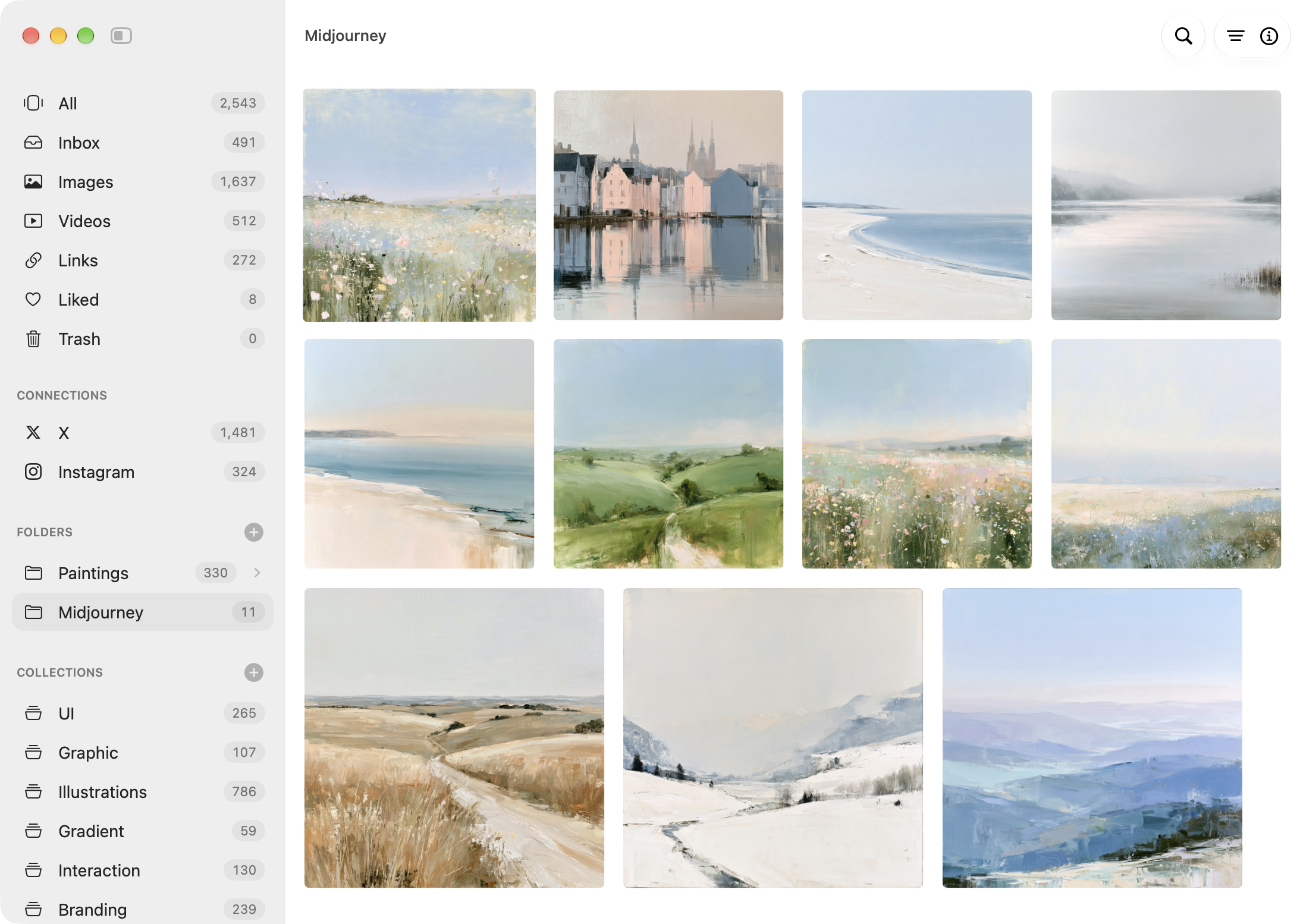
Bring in everything you've collected
Save a picture as you browse, let your accounts sync on their own, or add the files already on your Mac.












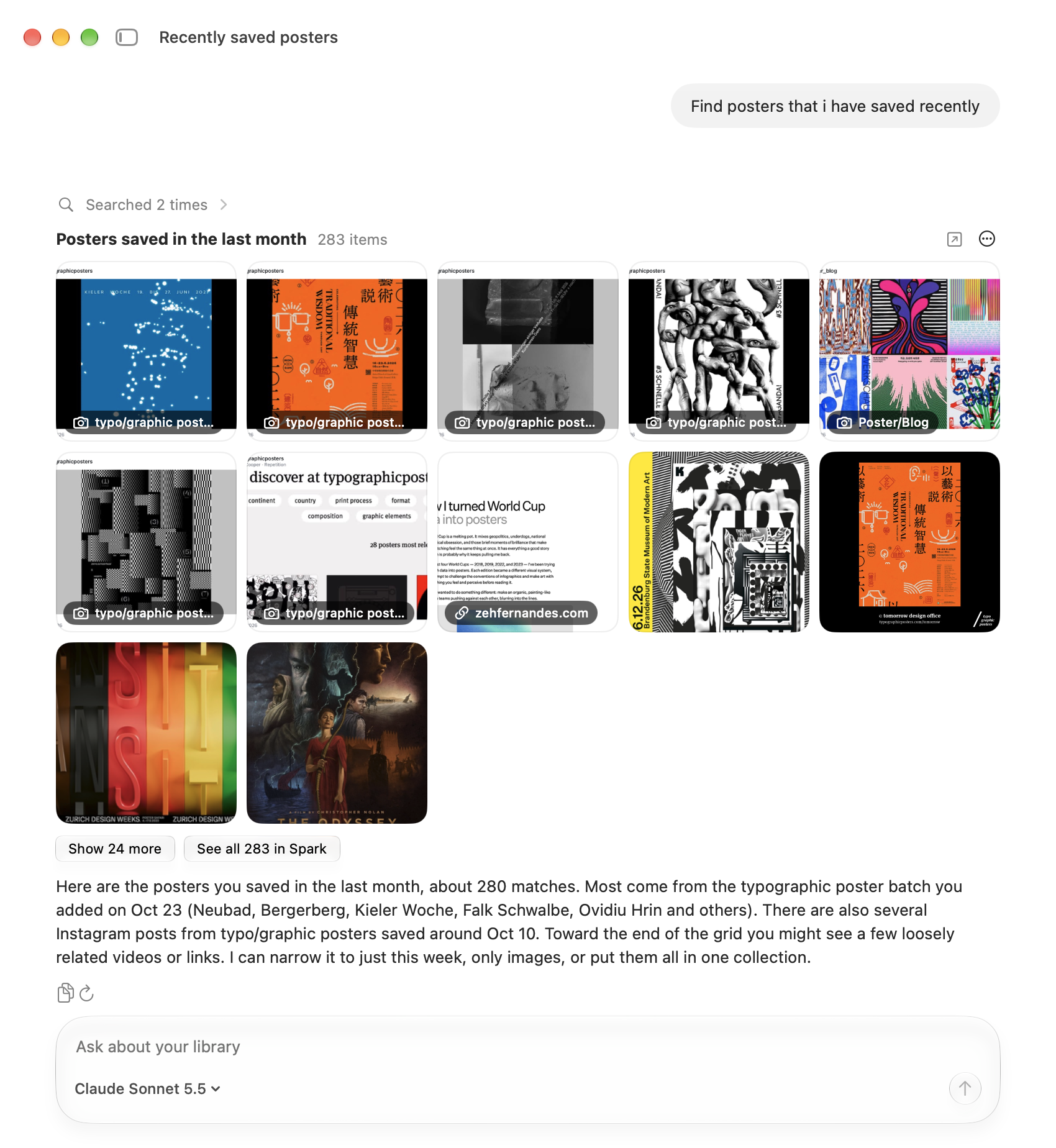
Search by what you remember
Describe the picture, pick its colour, or type a word from its notes. Spark searches the pictures themselves, on your Mac.

Search your library from Claude, Codex or Cursor
Agents on your Mac can find what you've saved and copy files straight into the project you're working on.
Everything you save stays yours
Your library is a folder of ordinary files, on your Mac or a drive. Spark doesn't upload it, and if you stop using Spark, your pictures are still right there.
More than one library. Keep work and personal apart, each library in its own folder on your Mac or an external drive.
Notes on anything. Press N to write one for the selected items, and search finds it later.
Connected folders. Show a folder where it already is. Nothing is copied, and Spark keeps up as it changes in Finder.
Bring your library. Eagle and Mymind come across with their tags, notes and folders. The old library is left as it was.
Collections that fill themselves. Turn on Smart, and new pictures that fit a collection join it on their own.
Lists for links. Say in a sentence what belongs in a list, and Spark sorts your saved links into it.
Stacks. Variations, posts with several pictures and a video's frames sit together as one tile.
Effects. Dither, ASCII, gradient map and glow, stacked like layers and saved as a copy.
Cut out, upscale, trace. Remove a background, make a small picture 2× or 4× sharper, or copy any image as an SVG.
Save from your iPhone. Spark shows up in the share sheet, and what you share is waiting on your Mac.
Made for the Mac. Built in Swift on Apple's own frameworks, so scrolling, swiping and dragging feel like the rest of macOS.
⌘K for everything. Run any command or jump to a collection. Single keys do the rest: F to filter, E for Effects.
Missing something? Ask for it.
Press ⌘⇧F anywhere in Spark and write what you need, with a screenshot if it helps. It goes straight to Sumit, who makes Spark.
Frequently asked questions
Answered by the person who makes Spark.
What is Spark?
A native Mac app for the images, videos and links you collect. Save them from your browser, your phone or anywhere on your Mac, then find any of them again by what's in the picture, its colour, or where it came from.
Is it a subscription?
No. At 1.0, Spark is $29, once. A license works on 2 Macs and includes a year of updates. After that Spark keeps working as it is; renew for $19 only if you want the versions that come later.
Can I try it before buying?
Yes, for 30 days with everything included, and no account, email or card.
Where are my files kept?
In a folder you choose, on your Mac or an external drive, as ordinary files you can open in Finder or any other app. Spark doesn't upload your library anywhere. Back it up the way you back up everything else.
What if I stop using Spark?
Nothing happens to your files. They stay in your folder, readable by any app. Spark never locks or deletes them, not even when a trial ends.
What can I save?
Images (JPEG, PNG, GIF, WebP, HEIC, AVIF, TIFF, SVG and more), videos (MP4 and MOV), web pages as links with a cover, X and Instagram posts, and Pinterest boards. Drag files in, paste with ⌘V, or use the extension or your iPhone.
Which browsers?
Chrome and other Chromium browsers, with Save to Spark from the Chrome Web Store, and Safari 18.4 or later, with the extension that comes inside Spark. Turn it on in Settings ▸ Connections.
Can I save from my iPhone?
Yes. Turn on Save from iPhone in Spark's settings and scan the code with your phone, and Spark appears in the share sheet of any app. What you share waits on Spark's server only until your Mac collects it, and is deleted after.
How does search work?
Spark finds pictures by what's in them, as well as by name, notes and colour. It runs entirely on your Mac with on-device models, a one-time download of about 600 MB. Your pictures are never sent anywhere to be searched.
Does it need the internet?
No. Your library works offline. Spark goes online to save links and posts and to check for updates.
Which Macs?
Macs with Apple silicon (M1 or later) on macOS 14 Sonoma or later.
Something's wrong.
Write to sumit@sparkformac.com. You'll hear back from the person who makes Spark.